Yo-Da LaiIndependent designer & AI consultant

Websites & AI. Built around your business.

I design websites and build AI tools for Australian businesses, around the way your team already works.

Send today · written quote by the next business day

See the work
  • No technical knowledge needed
  • Fixed-price quote in writing before work starts
  • You approve what matters
  • Meet in person on the Gold Coast or in Brisbane

Selected work.

Client deployments, my own products and experiments in 3D and motion.

Client work

The team’s knowledge, together.

Yo-Da and the Youknow Clothing team in the top row of a working session
A working session with the Youknow team.

Reported by the client

Youknow Clothing’s marketing team reports saving up to 5 hours a day.

The starting point
Customer, order and marketing knowledge was scattered across people and tools.
What I built
A shared knowledge system connected to the team’s daily work.
Explore the deployment
“I know you’re built for it. I’m built for it.”
Owner, YOUKNOW ClothingOn building a business together
Hear the original remark Open the audio file

Client work

Homes to browse. A clear way to sell.

  • Home
  • Buy
  • Property
  • Sell
The top of Sunbright Investment’s homepage on a desktop screen
A Sunbright Investment property page on a phone, with the price and a labelled façade illustration
Live at sunbrightinvest.com.au. Property details come from builder brochures the agency supplied. House images on the site are builder-brochure illustrations, labelled as such on the site.
The starting point
An agency selling new and established homes needed a website buyers and sellers can navigate.
What I built
House-and-land search, property pages with floorplans, a selling journey and the agency’s story.
Real estate websites Visit the website

Client work

A clearer way to enquire.

BeforeCompare the redesignAfter
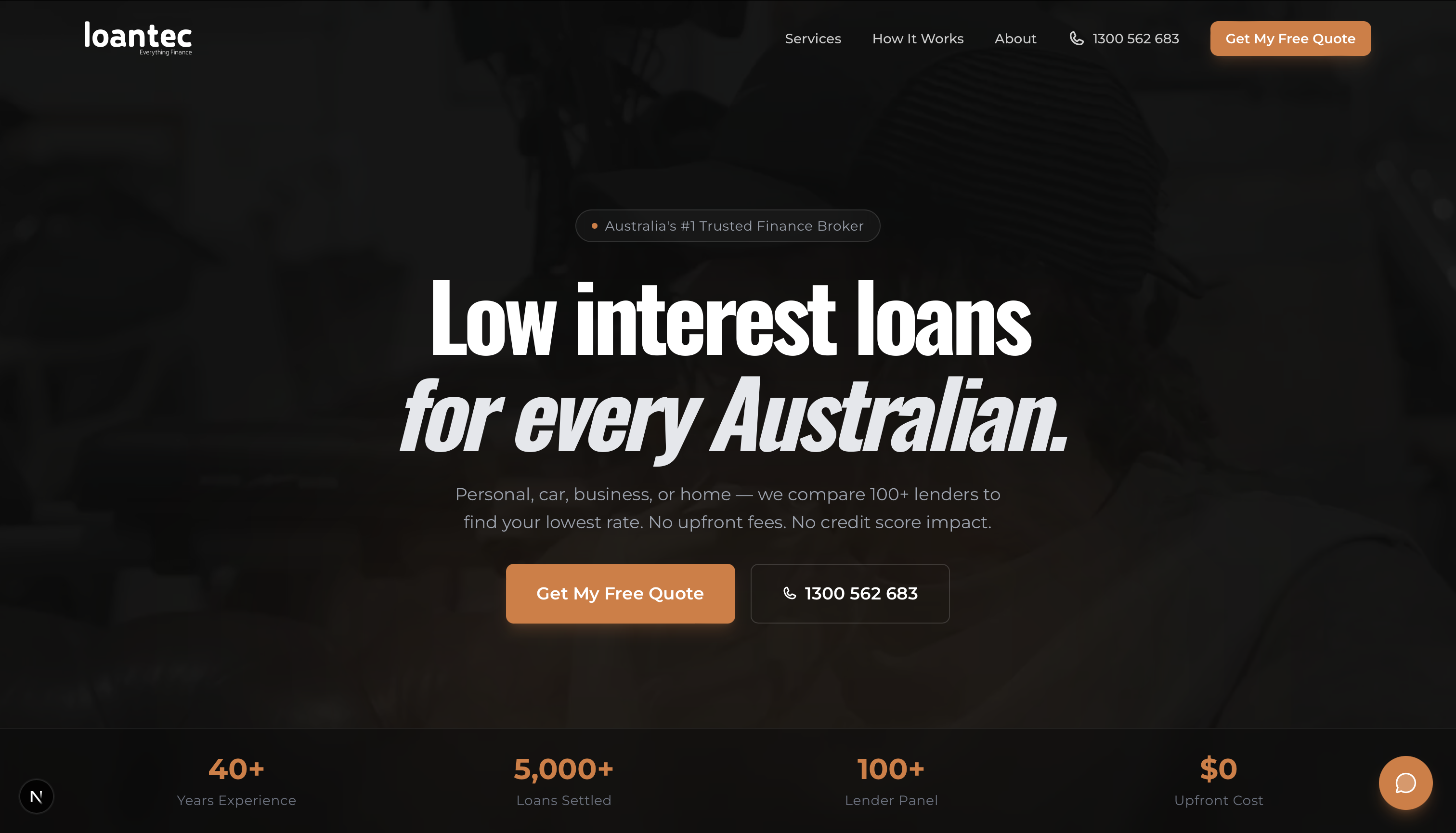
Loantec website after the rebuild
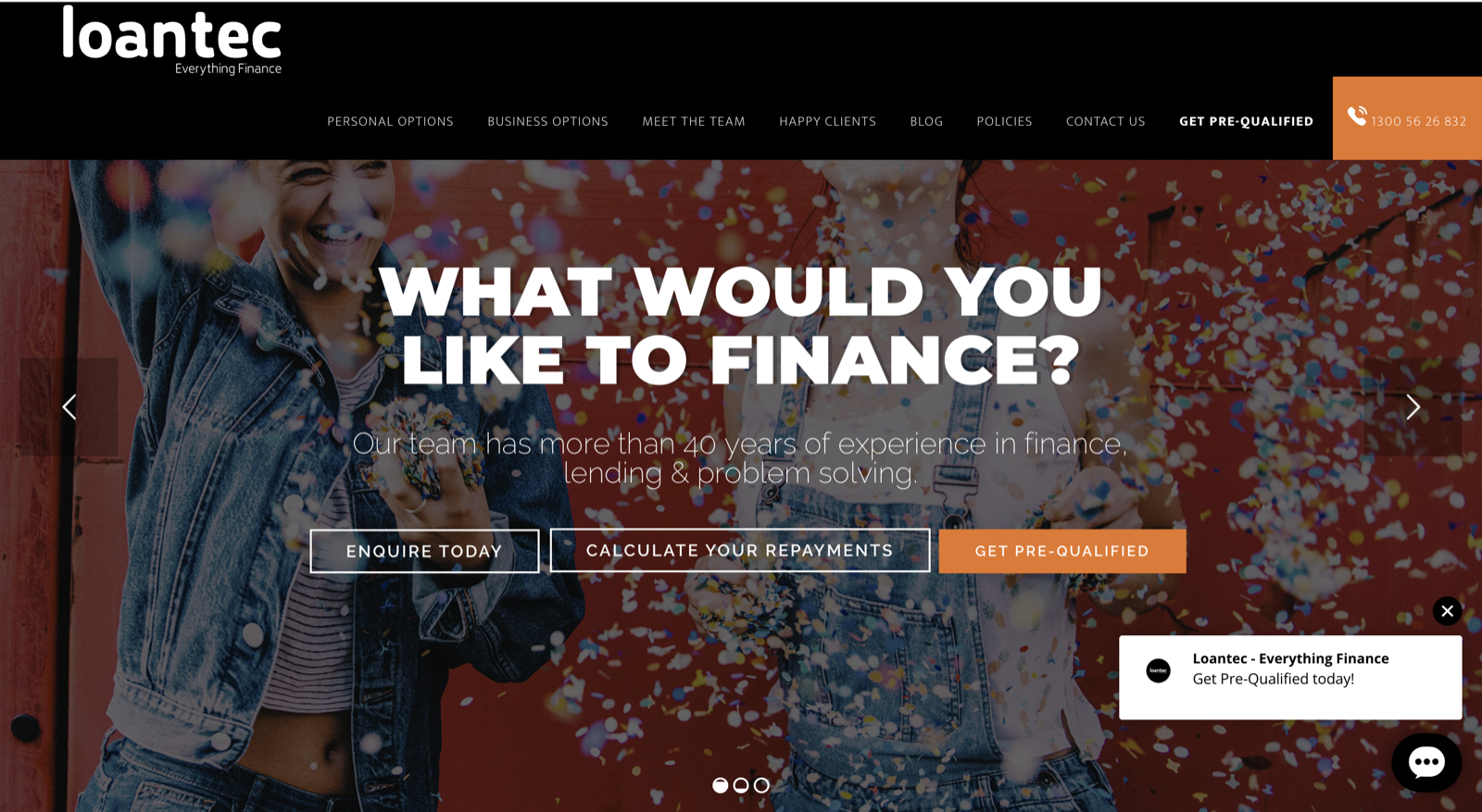
Loantec website before the rebuild
The starting point
An outdated website and a chatbot that left borrowers stuck.
What I built
A clearer website, with borrower intake and follow-up configured.
Explore the case study

My products

My products

My products

My products

Experiments

Experiments

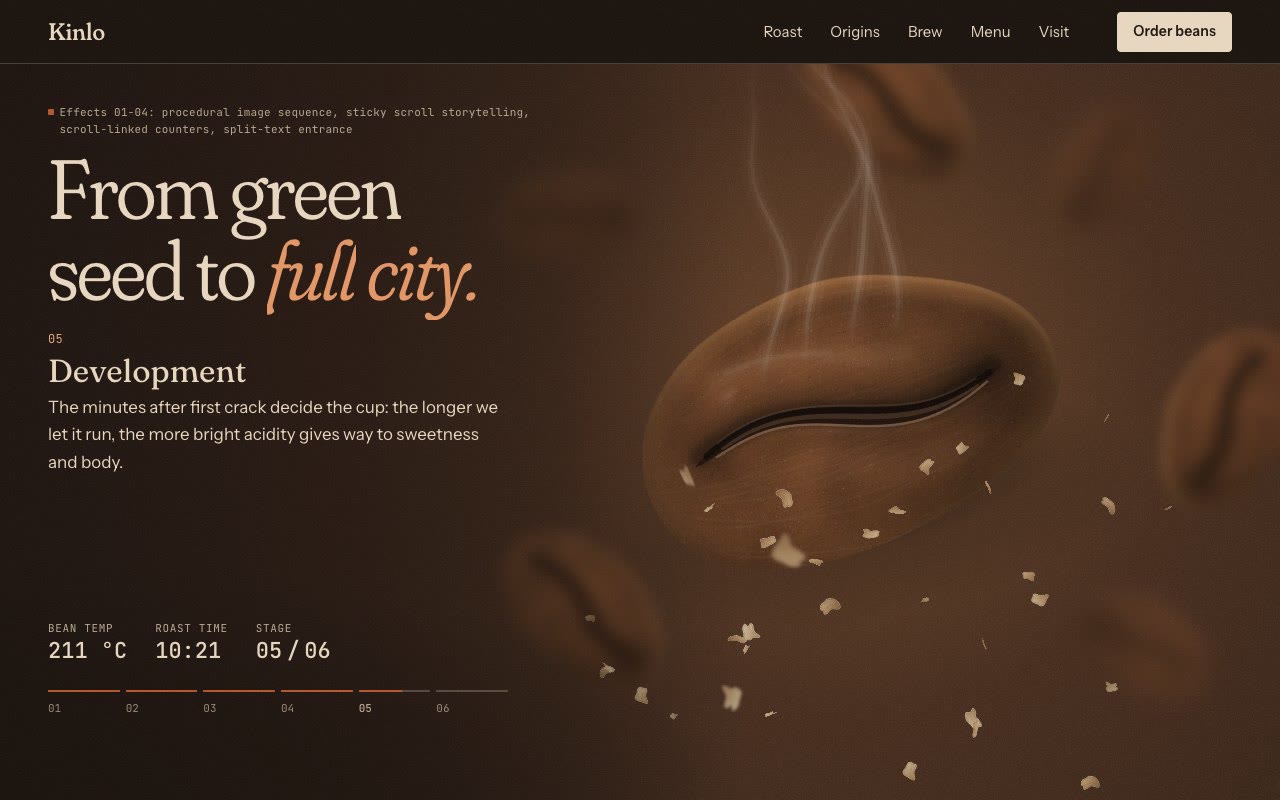
A coffee roast you scroll through.

Screen recording: scrolling the Kinlo demo, as a green coffee bean roasts to dark brown, then through the origins, brew, menu and visit sections.
Screen recording of the live page. Kinlo, its address and its menu are made up.

A one-page site for Kinlo, a fictional roastery. Scrolling roasts a bean from green to full city, then moves through origins, a brew guide, the menu and a visit. Each effect explains something about the coffee, and the page still reads complete with motion turned off.

  • Scroll-driven roast sequence
  • Pinned horizontal gallery
  • Clip-path reveal
  • Stacking cards
  • Day-to-night colour change
Read the case study Open the live demo Plan a project with motion like this
See all the work

Have an idea in mind?

Make a short project brief. Free, with no signup.

Not sure yet? See what to automate first · Free scorecard

You’ll work directly with me.

From the first conversation to design, development and handover. One person who knows your project.

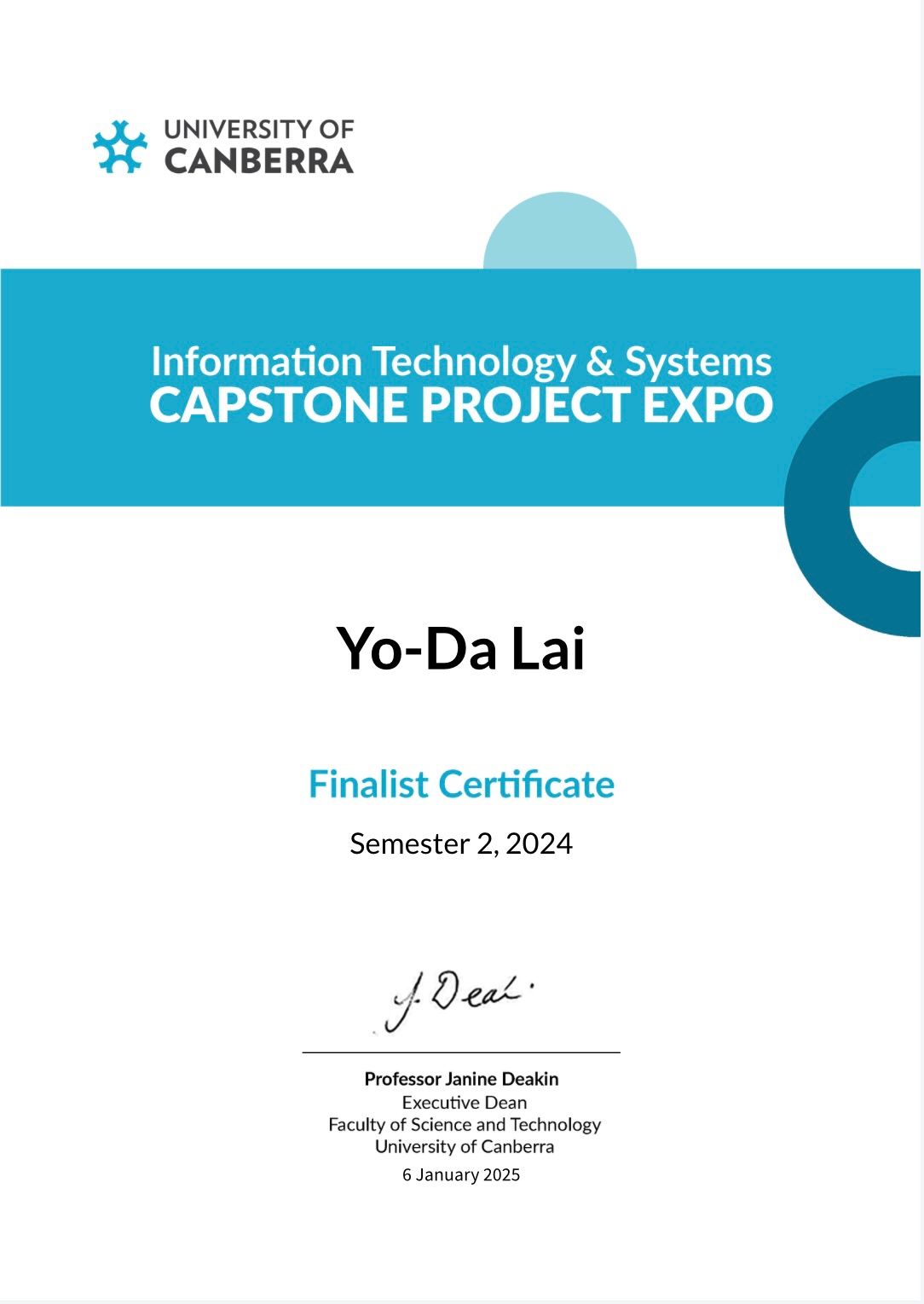
More about me Capstone Project Expo finalistUniversity of Canberra · Semester 2, 2024View the certificate

How the result is measured

Before work starts, we agree the workflow baseline, success target, exclusions, and 60-day measurement method in writing. If the agreed time saving is not shown at the 60-day review, I complete the remediation steps written into that scope without an extra implementation fee.

How we’ll work together

  1. Look at one real task

    Show me how the work happens today, where it gets stuck and who needs to be involved.

  2. Agree the scope

    We agree a written scope: tools, permissions, price and success criteria. Test one defined workflow before expanding.

  3. Build, test and hand over

    We test real tasks together. Handover, training and support are agreed in the scope.

More of the workProduct builds and advisory projects.
For the curiousSee example workflows and demos

Explore what the tools can do.

Try an example workflow, look through a product, or explore the interactive property demo.

Workflow examples

Illustrative workflows. Your tools, rules and approval points are agreed together.

Enquiries & follow-ups

Doing it by hand

  1. Check the inbox
  2. Find the context
  3. Write the reply
  4. Remember to follow up

With a custom system

  1. Enquiry arrives
  2. Context is gathered
  3. Reply is prepared
  4. Your team approves

A reply ready for review. A follow-up ready for the next step.

Company knowledge

Doing it by hand

  1. Search the messages
  2. Ask a colleague
  3. Find the latest file
  4. Explain it again

With a custom system

  1. Team asks a question
  2. Approved sources found
  3. Answer with sources
  4. A person handles exceptions

Answers with sources. Fewer repeat questions for the same person.

Reporting & admin

Doing it by hand

  1. Open each tool
  2. Copy the numbers
  3. Rebuild the report
  4. Check every detail

With a custom system

  1. Approved data collected
  2. Records are organised
  3. Report is prepared
  4. Your team reviews

A report ready to check. Unusual entries flagged for your review.

Digital products

Batchit · My own product

Public Batchit walkthrough: brand brief, creative variations and human review.

Making ad variations from a brand brief.

Choose a brief, prepare variations and review the creative before using it.

See the build

Youknow Clothing · Client deployment

Illustrative ClawConnect control panel from the Youknow Clothing deployment: company knowledge, scoped workflows and human review.

Connecting a team’s knowledge and workflows.

The past ClawConnect system behind the Youknow result: shared knowledge, scoped workflows and approvals.

See the build

Public walkthrough illustrations, not live customer screens.

Web & 3D

Licensed 3D demoLoads 3D only when you choose. No sign-in.
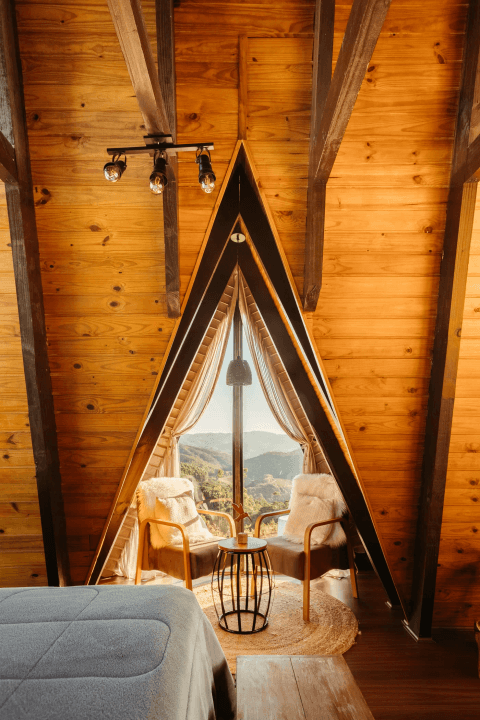
Preview of Interior Scene by Allay Design: a furnished living room with a cream sofa, brick wall, timber floor and natural light.

Explore a room in your browser.

Move around the room and inspect the details in this interactive property example.

Try the 3D experience

Interface and interaction by Yo-Da. Model and source preview by Allay Design.Original model ↗CC BY 4.0 licence ↗

Independent design experiment

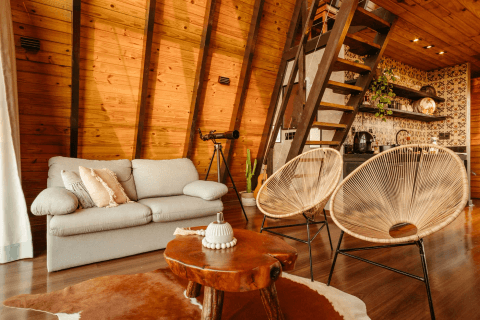
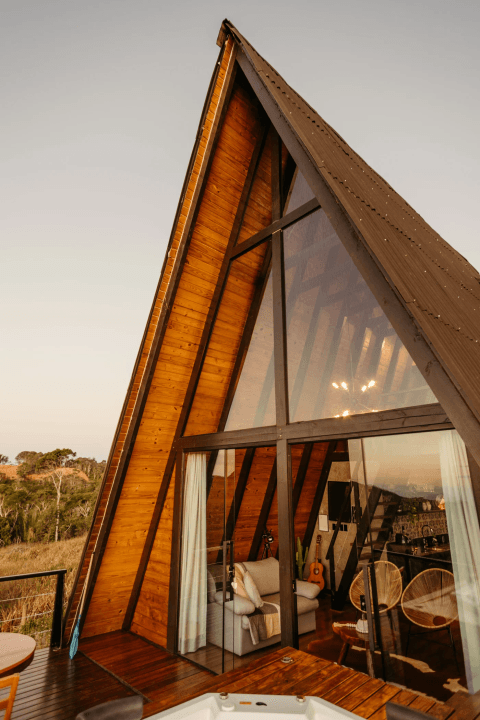
Turning property photos into a short film.

An AI-generated walkthrough made from licensed photographs, shown alongside the source images.

Watch the walkthrough ↗

Independent AI walkthrough demonstration. Original photography: Jonathan Borba / Pexels.

A few useful answers.

Can you work with our existing tools?

Where supported, yes. We confirm compatibility, permissions and human approval points before connecting anything.

Do I need a technical brief?

No. Bring an idea, your current website or one task you want to improve. We work out the details together.

Can we meet in person?

Yes, on the Gold Coast and in Brisbane. I can come to your business to map the work with your team. Elsewhere in Australia and New Zealand, we work by video call.